
5 Carousel Post Ideas That Work for Any Business
Carousel posts consistently outperform single-image posts on Instagram — but only when the content inside them actually holds attention slide to slide.
The good news: you don't need five brand-new ideas every week. A handful of proven carousel post ideas can be reused, reworded, and redesigned indefinitely.
Here are five that work across almost any business.
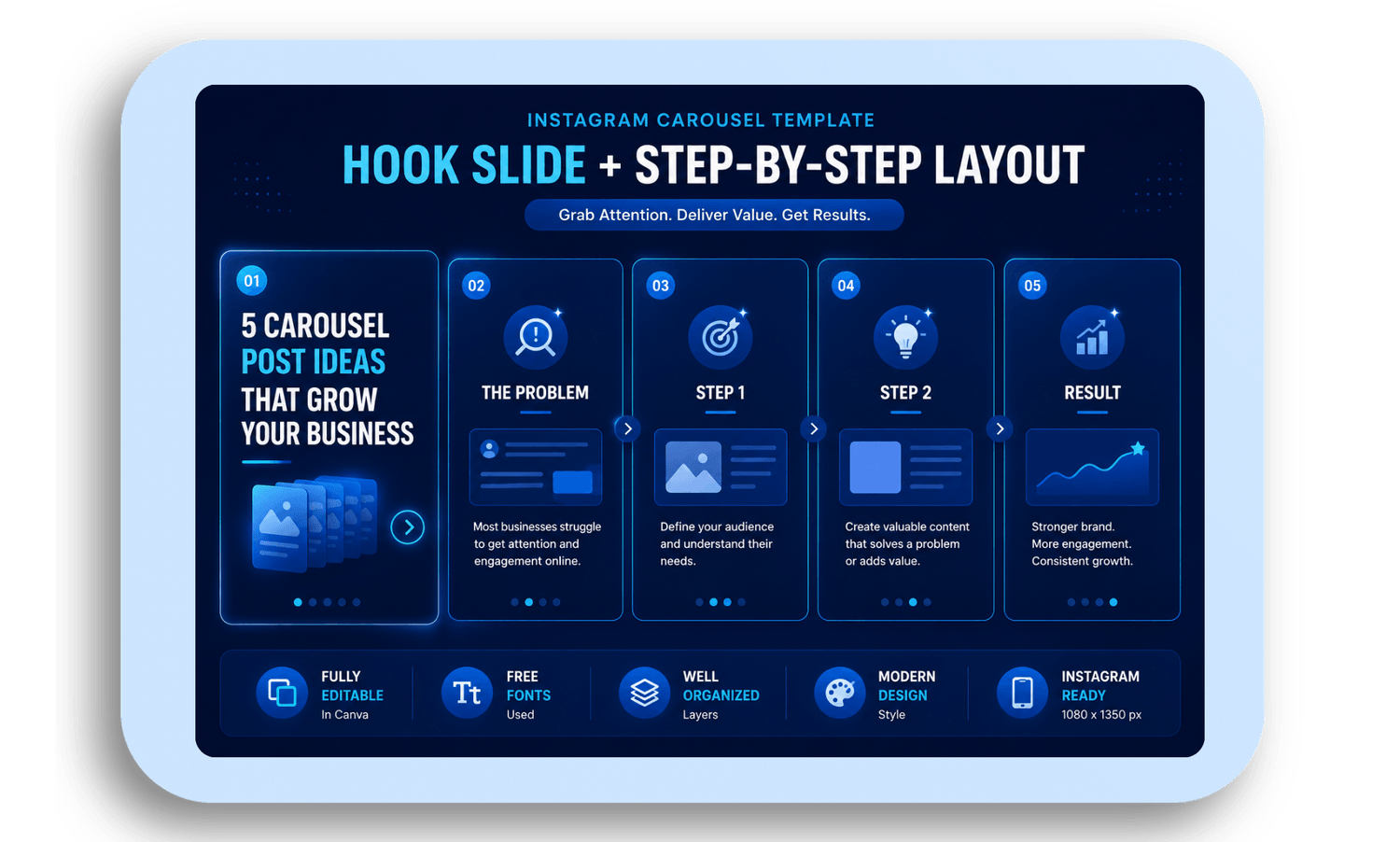
1. Hook + Quick-Win Steps
Open with a bold promise on slide one, then walk through the solution across the next few slides — problem, steps, result.
This format works because it delivers a fast, clear payoff. Followers who are short on time still get value, which is exactly what drives saves and shares.
Slide structure:
Slide 1: Bold hook and promise
Slides 2–4: Quick problem overview, then actionable steps
Slide 5: Result or takeaway
Keep text minimal on the first few slides — one or two words is enough. Save the detail for your caption.
2. Behind-the-Scenes Process
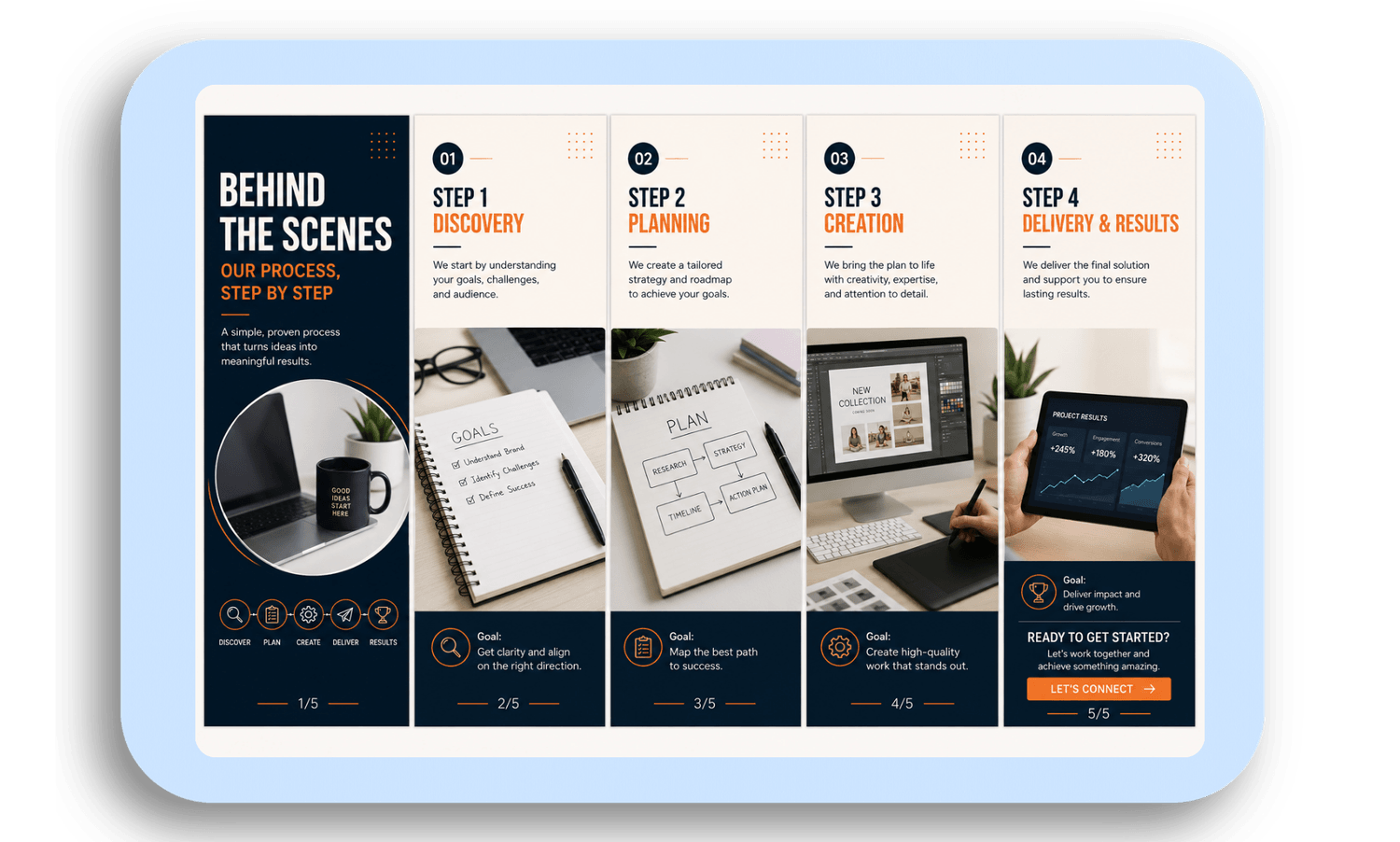
Walk followers through a real part of your business — onboarding, how a product gets made, how a service is delivered.
This builds trust in a way polished promotional posts can't. It shows followers the "how," not just the "what," which makes your brand feel more human and credible.
Slide structure:
Slide 1: Process overview
Slides 2–4: Each step with a short description and one visual
Slide 5: Result and invitation to get started
3. Client Wins in Bite-Sized Cards
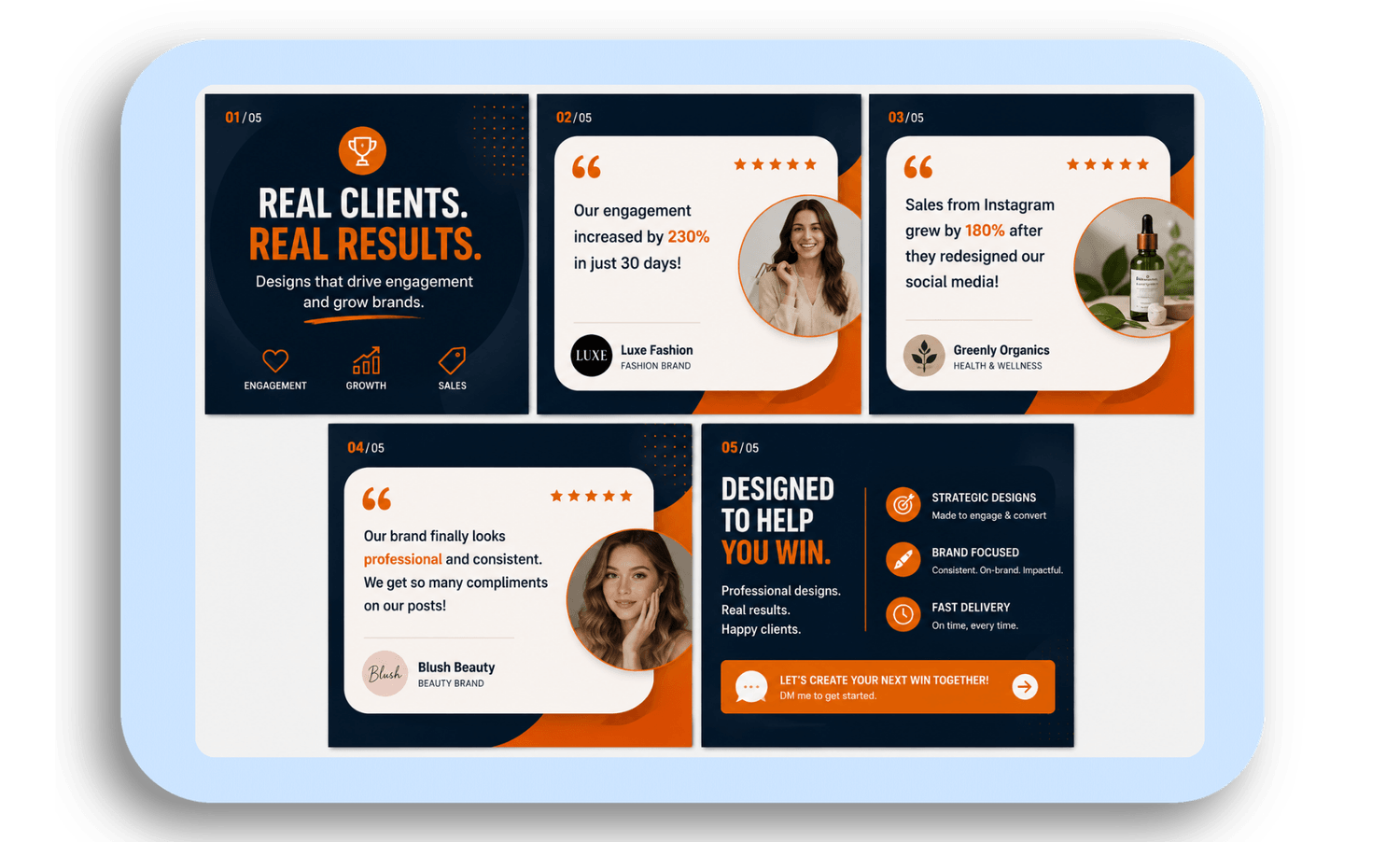
Each slide highlights one client result or testimonial in a simple card layout — a swipeable version of social proof.
This format is both credible and easy to produce, since you're reusing a consistent card design and just swapping in new quotes or results each time.
Slide structure:
Slide 1: Headline win
Slides 2–4: Short client quotes with key results
Slide 5: How you helped, and what's next
4. Quick Tips for a Common Pain Point
List 5–7 practical tips addressing a problem your audience deals with often — pricing, time management, content, lead generation.
This is one of the most shareable carousel formats, since it's immediately useful and easy for followers to save for later.
Slide structure:
Slide 1: One-sentence intro to the topic
Slides 2–6: One tip per slide, with a simple icon
Slide 7: Final takeaway
5. Brand Story in Five Moments
Narrate your brand's mission or a pivotal moment across five slides, connecting it to what your audience actually cares about.
This format builds emotional connection rather than direct promotion — and because it's evergreen, you can reuse or lightly update it for months.
Slide structure:
Slide 1: Brand promise
Slides 2–4: Key moments or milestones
Slide 5: How you help followers reach their own milestone
Making These Easy to Reuse
You don't need to design each carousel from scratch. Build one core canva carousel template in a few slide-count variations — 5, 7, and 9 slides — so you can drop new content into an existing structure instead of starting over every time.
A few things that help every format above perform better:
Design for mobile first — most viewers will never see it on a larger screen
Keep logo placement and brand colors consistent across every slide
End your caption with a question to encourage comments
Repurpose each carousel into a quote graphic or short clip for Stories
Want a carousel template system built around your brand instead of starting from scratch each week?
I design custom, fully editable Canva carousel templates — ready to reuse for every idea on this list.
Like What You See? Let's Build Yours.
I design every template from scratch — no generic layouts. Order securely through Fiverr and get your first draft fast.
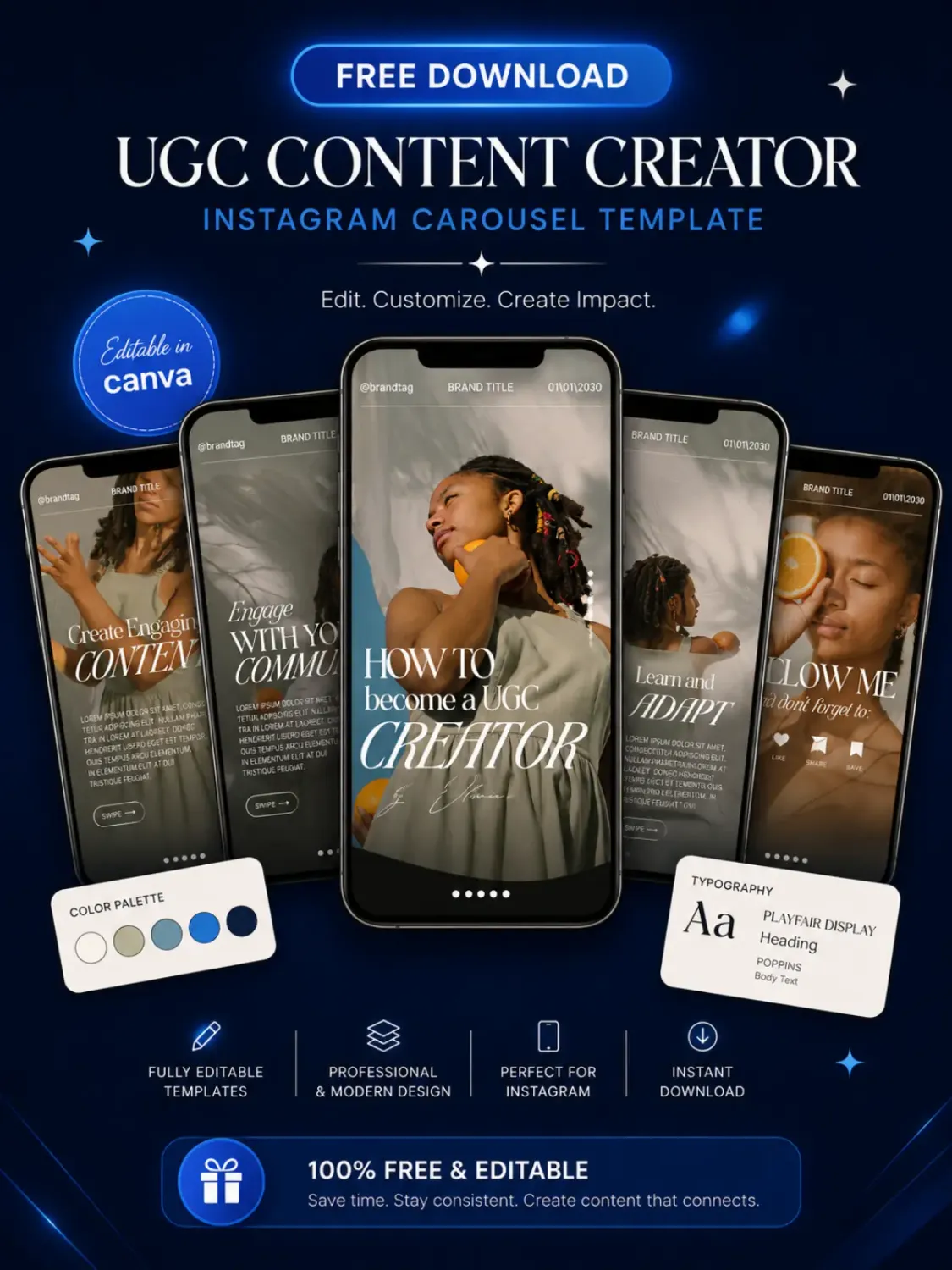
Download Your Free Canva Template
Enter your email address to receive instant access to your free editable Canva template.
We respect your privacy. No spam. Unsubscribe anytime.


© 2026 Social Template Studio. All rights reserved.