
How to Create On-Brand Social Media Posts | Social Template Studio
Posting on social media is easy. Posting content that actually looks like your brand every single time is where most businesses struggle.
If your posts look different week to week — different fonts, different colors, no clear style — your audience notices, even if they can't explain why. Consistency is what makes a business look established instead of scattered.
Here's a simple system for getting it right.
Why Brand Consistency Matters More Than You Think
A consistent visual identity does more than "look nice." It builds recognition — the moment someone sees your post, they should know it's yours before they even read the caption.
Inconsistent branding creates the opposite effect. It makes even a great product or service feel less trustworthy, because the visuals don't match the professionalism of the business behind them.
Start With Three Fixed Elements
You don't need a full brand book to get consistent — you need three things locked in before you design a single post:
Brand colors — 2–3 core colors, used the same way every time
Fonts — one heading font, one body font, nothing else
Logo placement — same corner, same size, every post
Once these three are fixed, every post automatically feels like it belongs to the same brand — even if the content or layout changes.
Build a Template, Not Just a Post
The biggest time-saver isn't designing faster — it's designing once and reusing the structure.
Instead of starting from a blank canvas every time, build one template per post type (announcement, quote, promotion, etc.) with your colors and fonts already locked in. From there, you're only ever swapping text and images, not rebuilding the whole design.
This is the entire idea behind a template system — one structure, unlimited content.
Common Mistakes That Break Brand Consistency
Even with good intentions, a few habits quietly undo brand consistency:
Using a different font for "just this one post"
Grabbing a free template that doesn't match your color palette
Changing logo size or placement post to post
Designing each post individually instead of from a set structure
Any one of these on its own seems small. Repeated across weeks of posting, they add up to a feed that looks disorganized.
When to Build Your Own Templates vs. Get Them Made
Building your own template system works well if you're comfortable in Canva and have time to set it up properly. If you'd rather skip the setup and start posting consistent content immediately, a custom-built template system — designed around your brand from the start — gets you there faster.
Want a template system built around your brand instead of building one yourself?
I design custom, fully editable Canva templates — matched to your colors, fonts, and logo — so every post is consistent from day one.
Like What You See? Let's Build Yours.
I design every template from scratch — no generic layouts. Order securely through Fiverr and get your first draft fast.
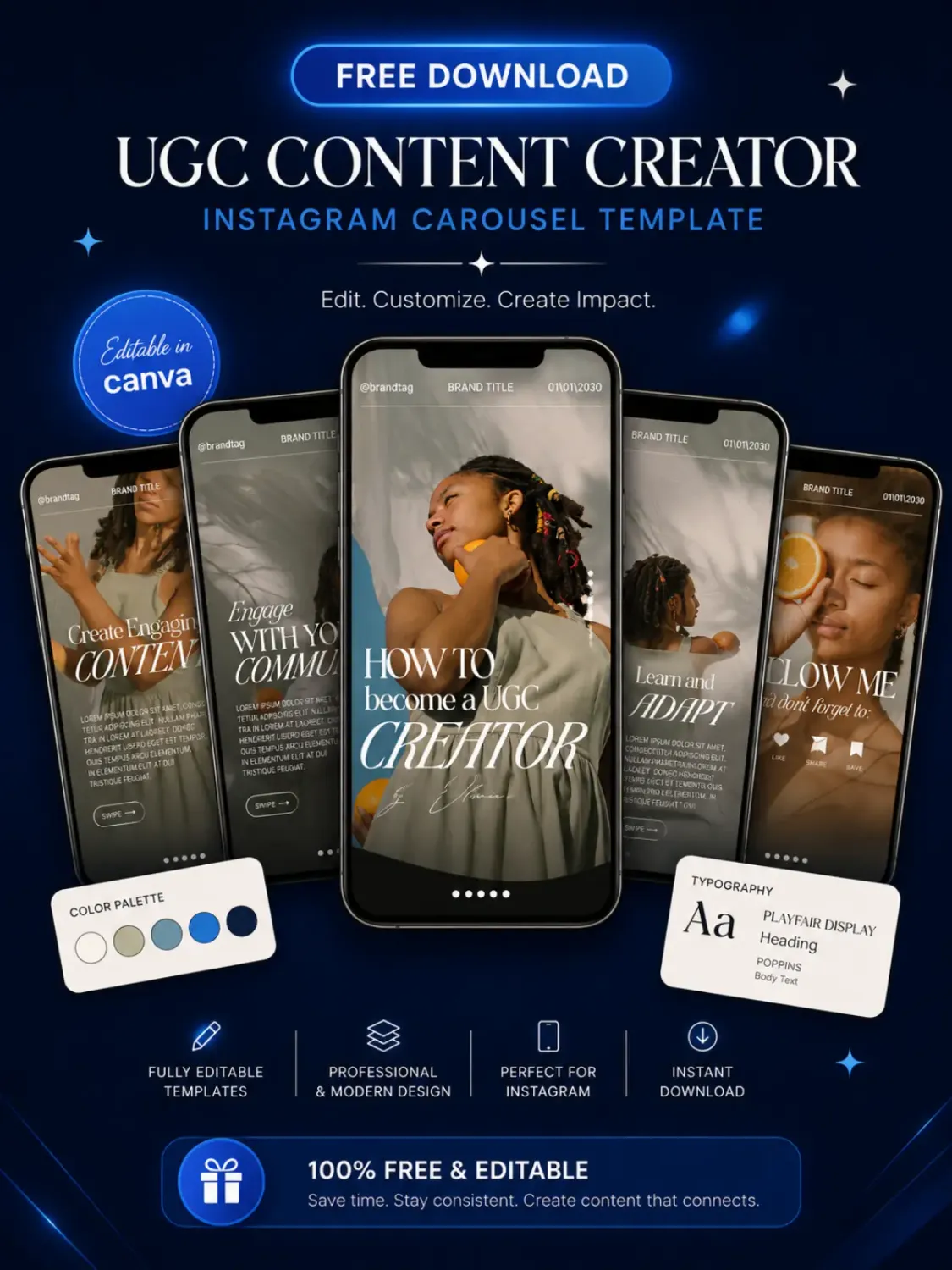
Download Your Free Canva Template
Enter your email address to receive instant access to your free editable Canva template.
We respect your privacy. No spam. Unsubscribe anytime.


© 2026 Social Template Studio. All rights reserved.